


Purchase Orders
Create and approve orders in minutes
Vendor details, item catalogs, and saved pricing are pre-filled so you can put together a PO in minutes. Totals and taxes are calculated for you, and each order gets a unique reference number. Set up multi-level approvals so orders above a certain amount need sign-off before they go out.
- Pre-filled vendor and item details
- Automatic total and tax calculation
- Unique PO reference numbering
- Multi-level approval workflows
- Approval history and comment tracking

Goods Receipt
Receive goods and update stock automatically
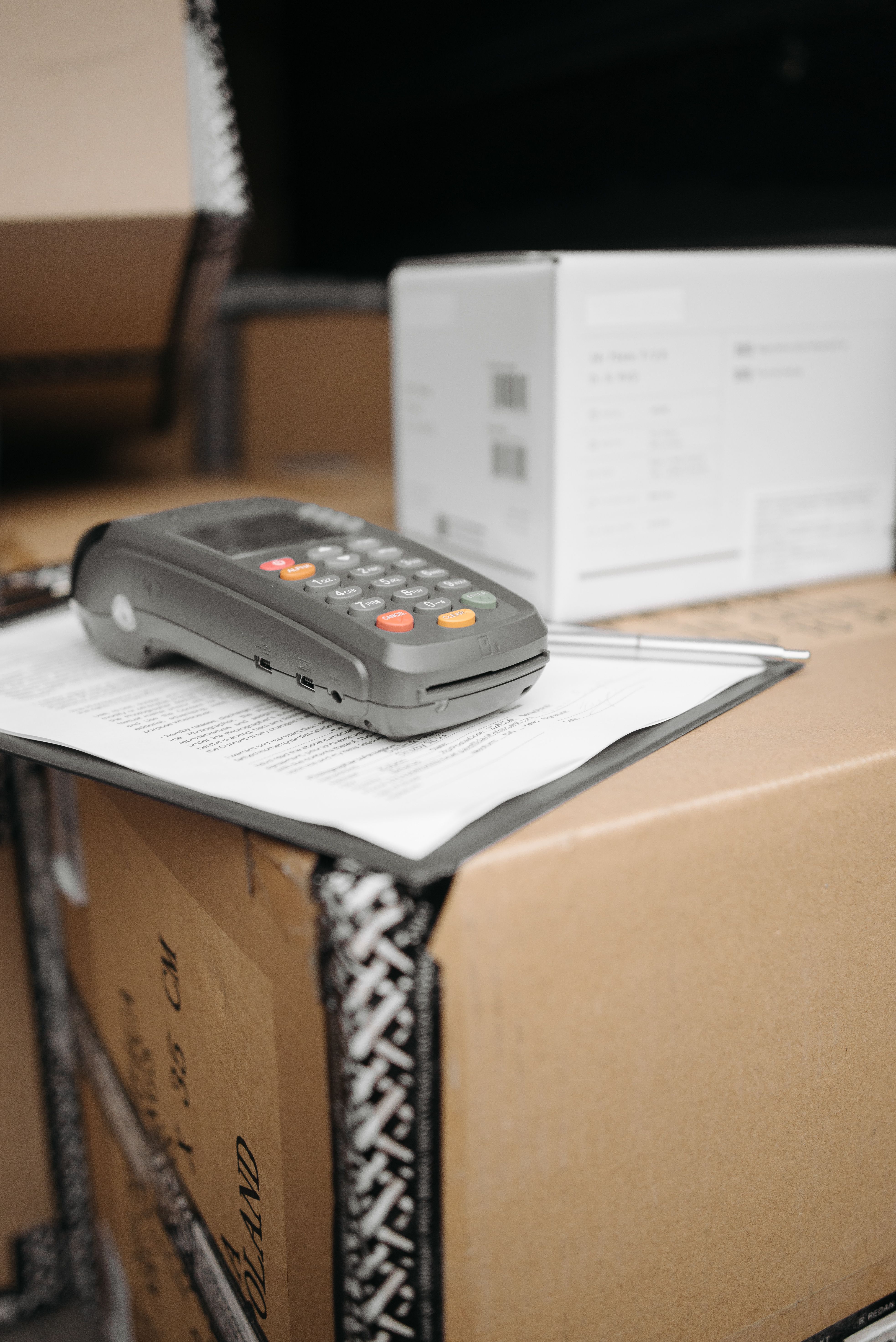
Record deliveries against the original PO and the system matches what arrived to what was ordered, flags discrepancies, and updates your inventory automatically. Partial shipments are supported too. Purchase costs flow straight into your inventory valuation, keeping stock values accurate without extra data entry.
- Receipt matching against purchase orders
- Partial delivery tracking
- Automatic inventory updates on receipt
- Cost integration with inventory valuation
- Discrepancy flagging and resolution
Reorder Management
Reorder before you run out
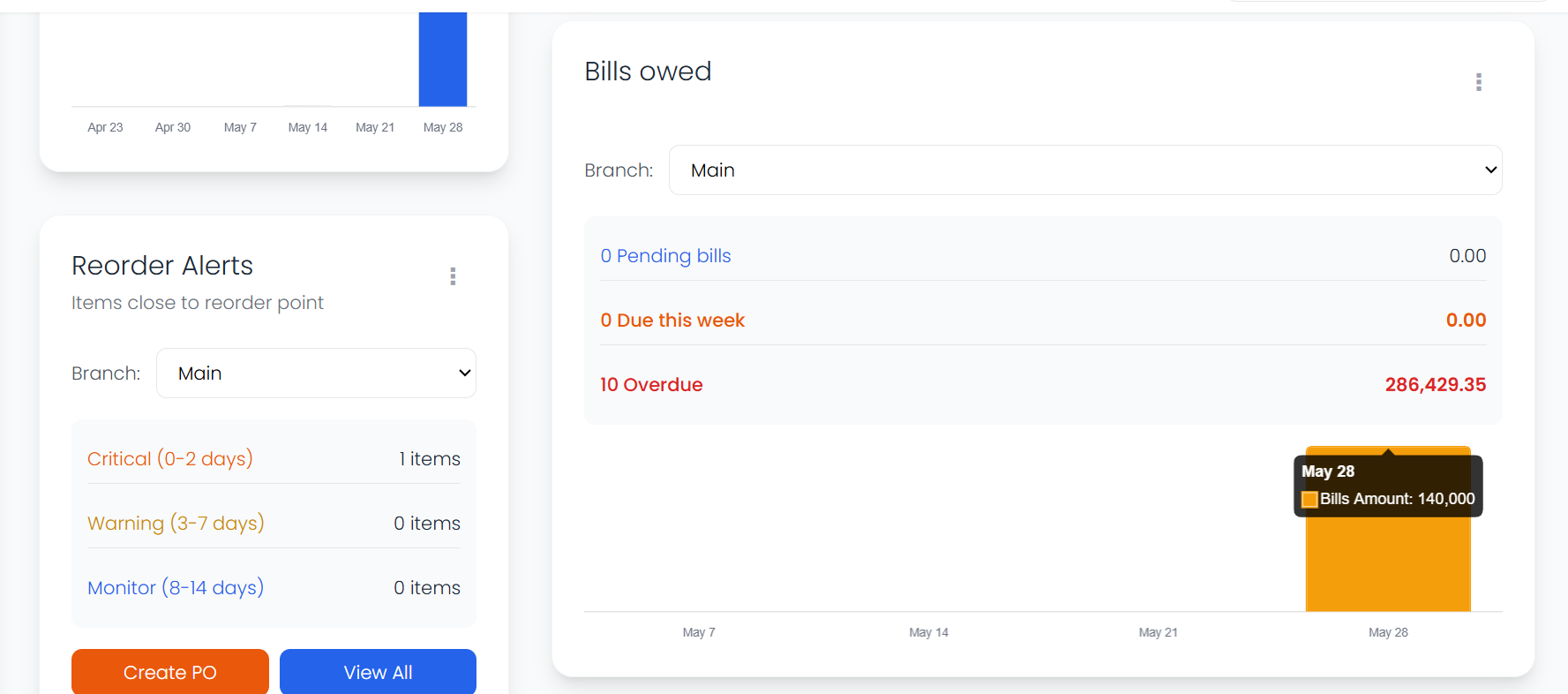
Set minimum stock levels per item and location. When inventory drops below the threshold, the system suggests what to reorder with your preferred suppliers already selected. Convert a suggestion to a PO with one click, or let the system send orders automatically.
- Per-item and per-location reorder points
- Automatic reorder suggestions
- One-click suggestion to PO conversion
- Configurable auto-ordering
- Preferred supplier assignment per item


Supplier Management
Compare suppliers and make better deals
Each supplier has a profile with contact info, payment terms, lead times, and their item catalog. Compare suppliers side by side on price, delivery speed, and reliability. The full history of quotes and transactions is always there, so decisions are based on real data.
- Detailed supplier profiles
- Multi-supplier item sourcing
- Quote history and price comparison
- Delivery performance tracking
- Payment terms and lead time records
What changes when purchasing is under control
Less time chasing orders. Fewer stockouts. Full visibility into where your money goes.
Orders go out faster
Pre-filled details and saved catalogs mean you spend minutes on a PO, not hours.
You stop running out of stock
Automated alerts and reorder suggestions catch low inventory before it becomes a problem.
No more unauthorized spending
Approval workflows make sure the right people sign off before any money leaves the business.
Spending is fully visible
See breakdowns by vendor, category, and time period so there are no surprises at the end of the month.
Frequently asked questions
- How does the approval workflow work?
- You set up approval rules based on purchase amount, department, or whatever criteria matter to your business. When someone creates a PO that triggers a rule, the right approver gets notified and can approve or reject it with comments.
- How do I track my purchase orders?
- Every order has a status that updates as it moves through your pipeline. You can see at a glance which orders are waiting for approval, which have been sent to suppliers, and which have been received.
- How can I manage supplier relationships effectively?
- Each supplier has a detailed profile with contact info, payment terms, lead times, and a full history of past orders. When you need to reorder something, you can compare suppliers on price, delivery speed, and reliability.