
Finance & Accounting
Reconcile your bank account
Match transactions against your bank statement, by hand or from a CSV, without a spreadsheet.
7 min read01
Add your bank account
Set it up once, with a starting balance. Every deposit, withdrawal, and transfer you record afterward runs through it.
app.obsidyun.com
02
Record or import transactions
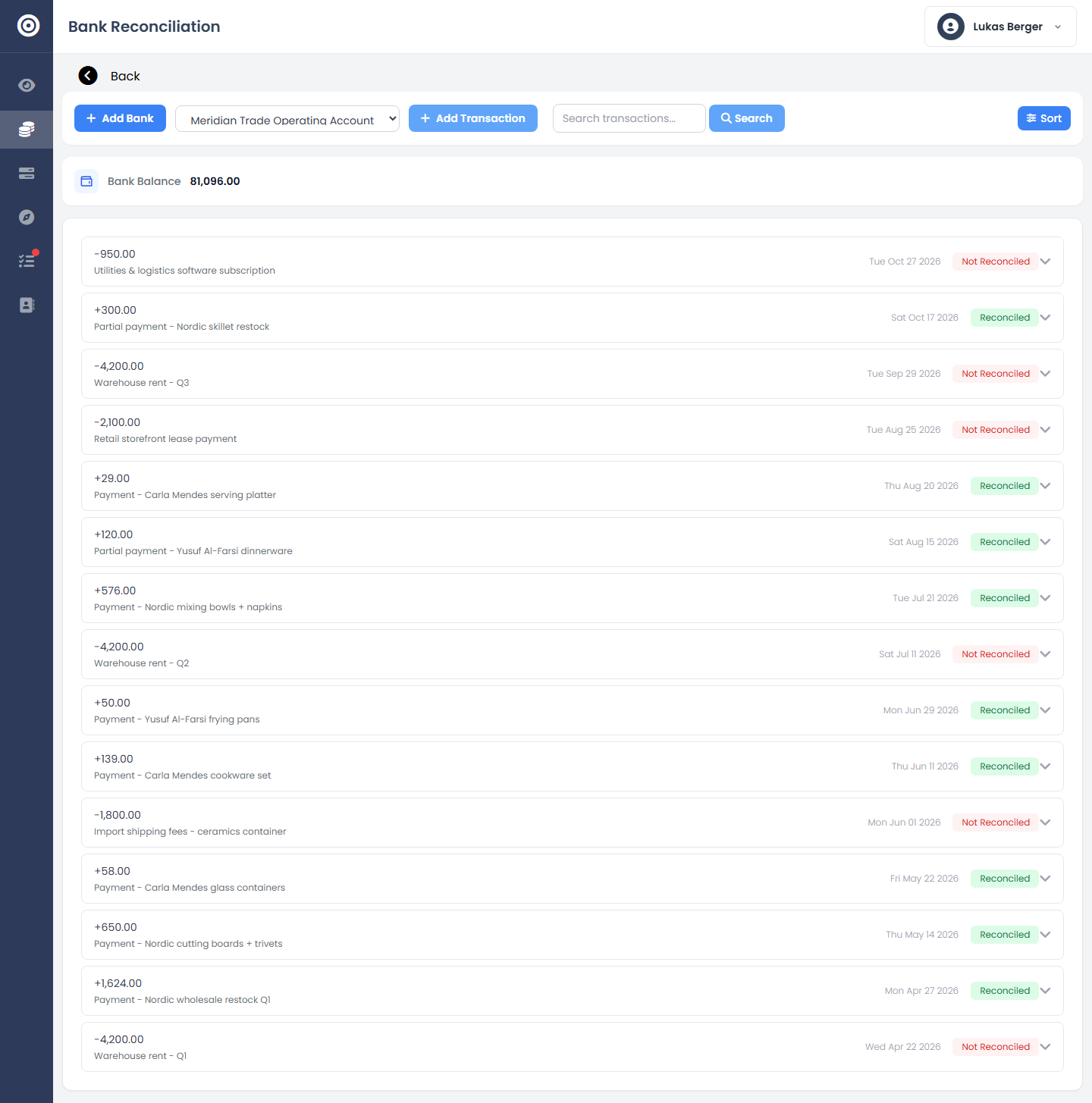
Enter transactions directly, or import a CSV or JSON export from your bank — rent, supplier payments, and customer deposits all land in the same list.
app.obsidyun.com
03
Mark items reconciled
Each transaction carries a Reconciled or Not Reconciled status. Work through the list until it matches your actual bank statement, line for line.
app.obsidyun.com