Sales, Invoicing & Customers
Record a payment
Log partial or full payments and watch the invoice status update.
4 min read01
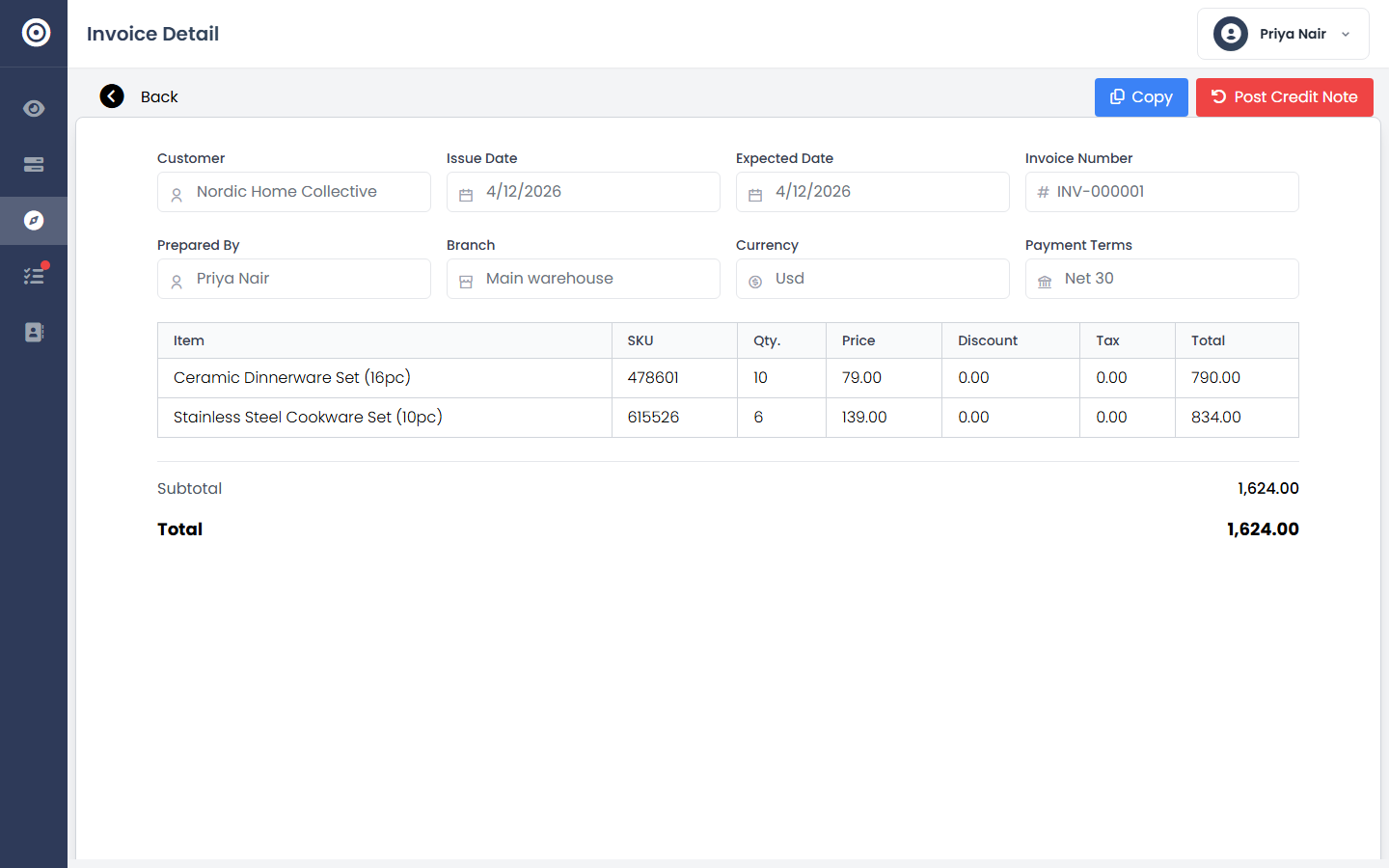
Open the invoice
Every invoice shows its current status clearly — paid, partially paid, awaiting payment, or overdue.
app.obsidyun.com
02
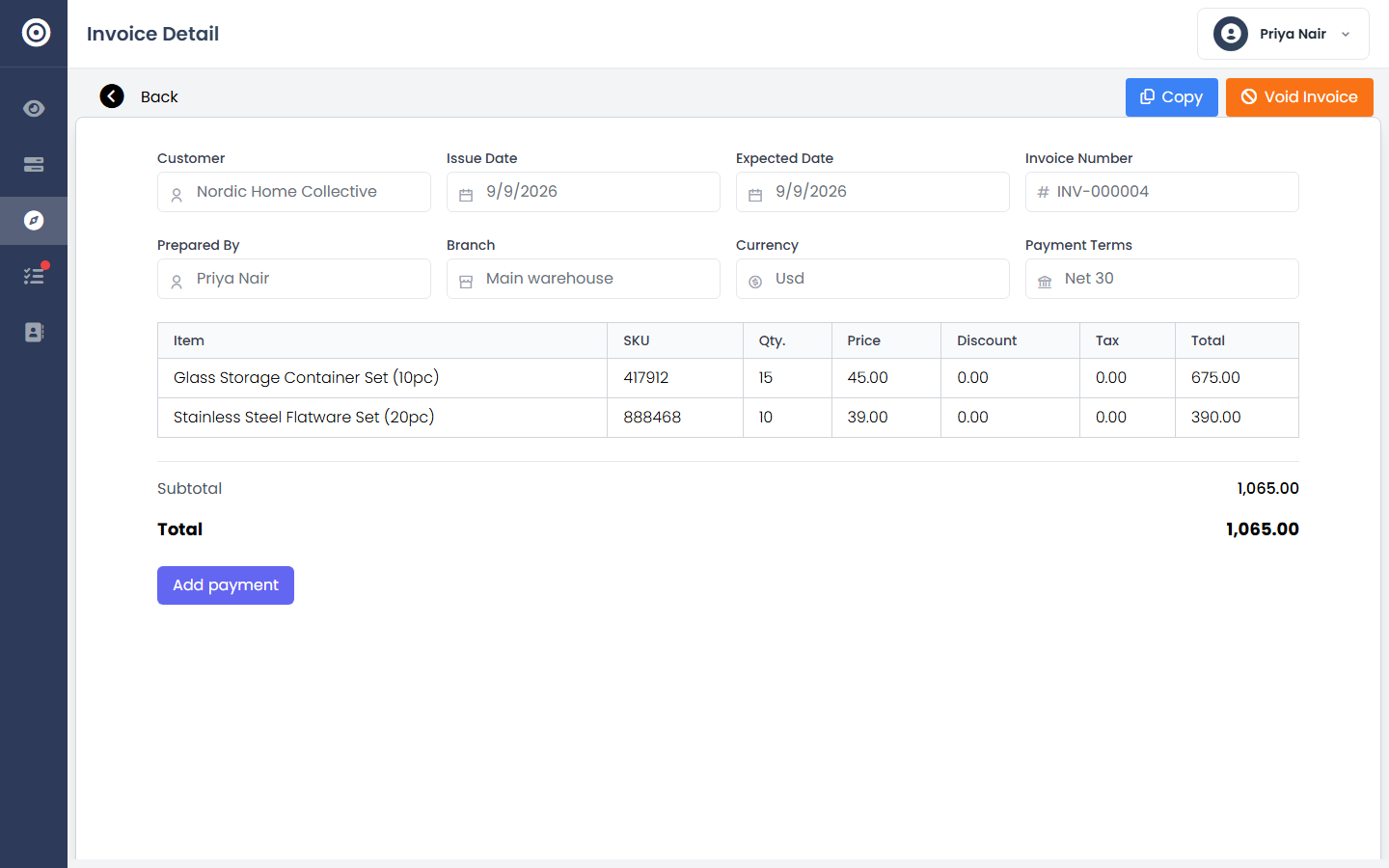
Apply the payment
Record the amount and method. Partial payments are tracked individually, so you always know exactly what's left.
app.obsidyun.com
03
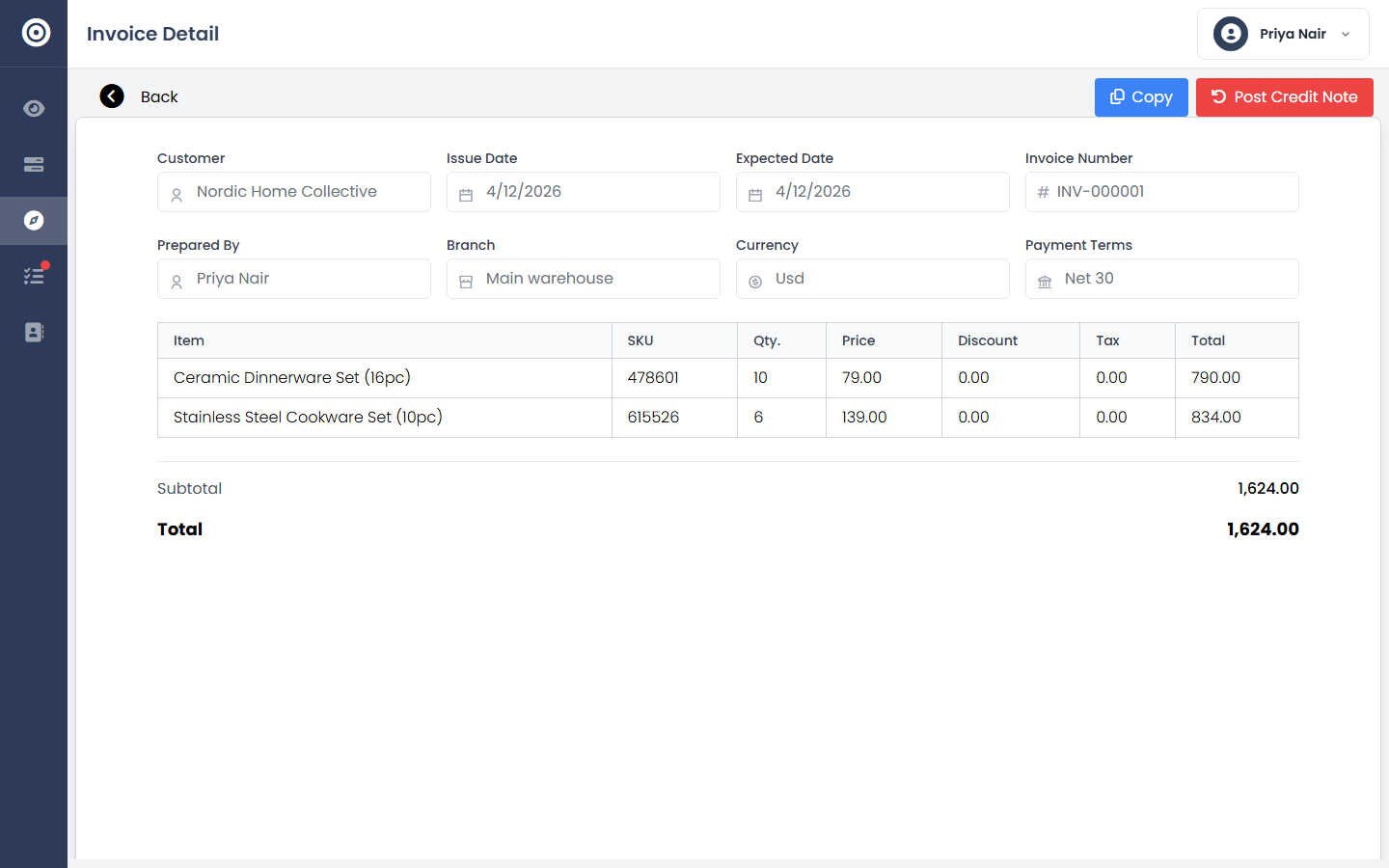
Confirm it's settled
Once fully paid, the invoice updates everywhere it's referenced — your receivables total, the customer's history, and your cash flow.
app.obsidyun.com