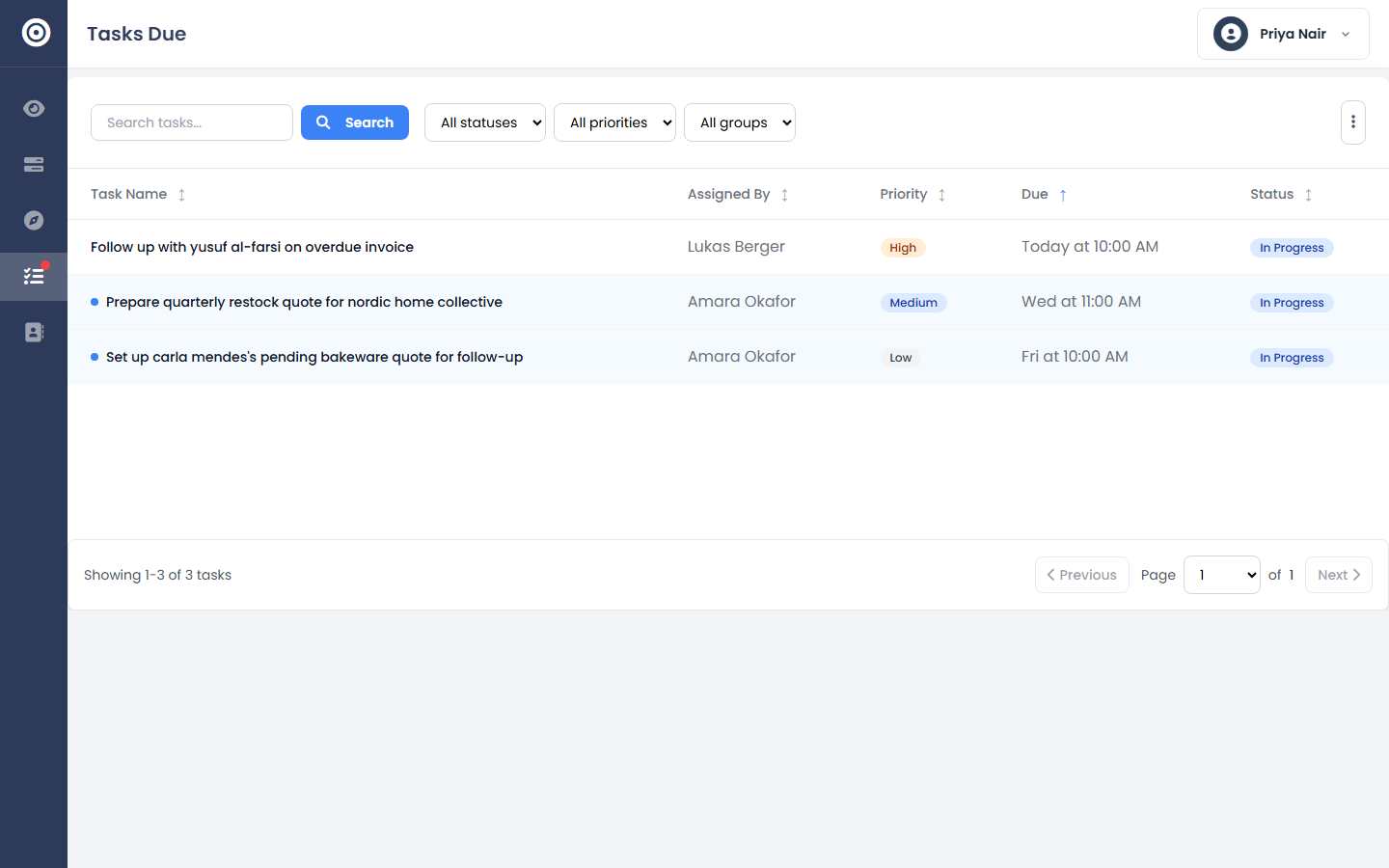
Tasks & Scheduling
Use the calendar view
See every deadline across your team in one view, and spot overlapping work before it becomes a problem.
5 min read01
Open the calendar
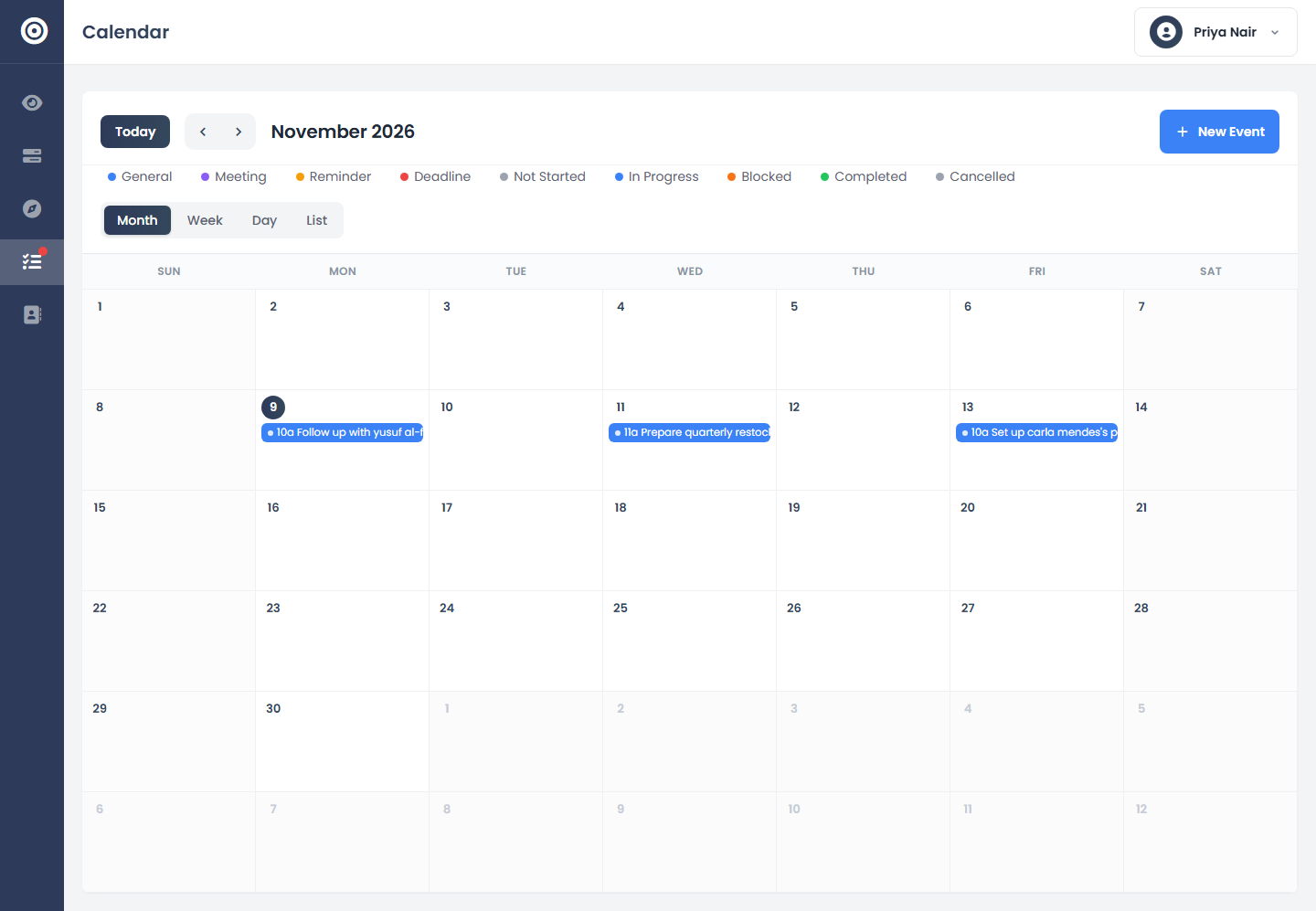
Every task with a due date shows up here, by assignee or across the whole team, in a real month view instead of a list you have to mentally sort.
app.obsidyun.com
02
Switch between a person and the whole team
Check one person's week to see if they're overloaded, or zoom out to the full team calendar to spot a day where three deadlines land at once.
app.obsidyun.com
03
Click through to the task itself
A calendar entry isn't just a label — click it to open the actual task, see its status, and update it without leaving the calendar.
app.obsidyun.com