
Build your first automation rule
Turn "when an invoice is raised" into a task that dispatches itself, filled in with the real invoice's details.
5 min readStart from an empty list
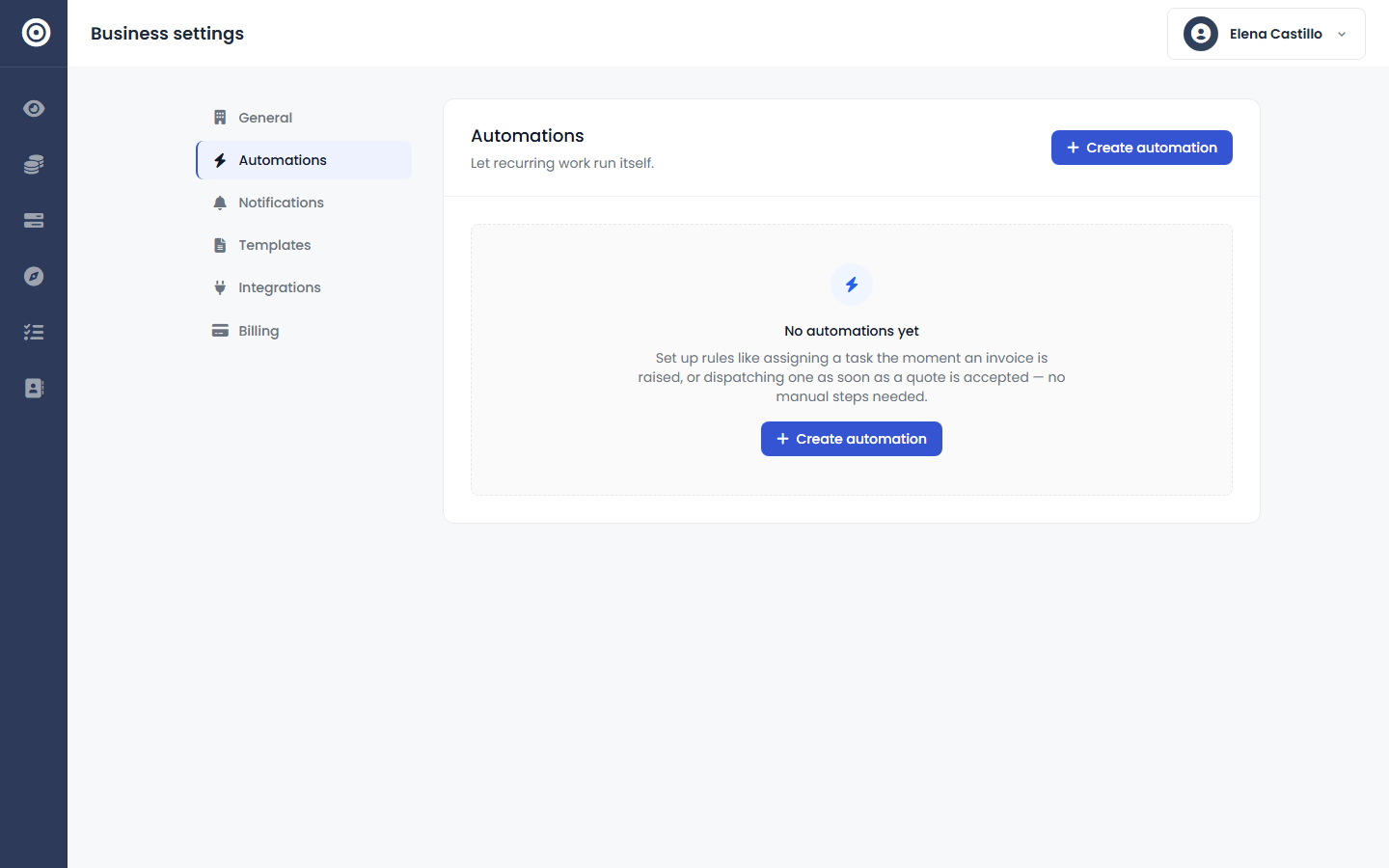
Before any rules exist, the Automations tab just explains what a rule can do — assign a task the moment an invoice is raised, or dispatch one as soon as a quote is accepted.
Pick a trigger and narrow it
Choose the event that should fire the rule, then add an "only if" condition so it only matches the records you actually care about — a total above a threshold, a specific branch, a specific customer.
Template the task with real data
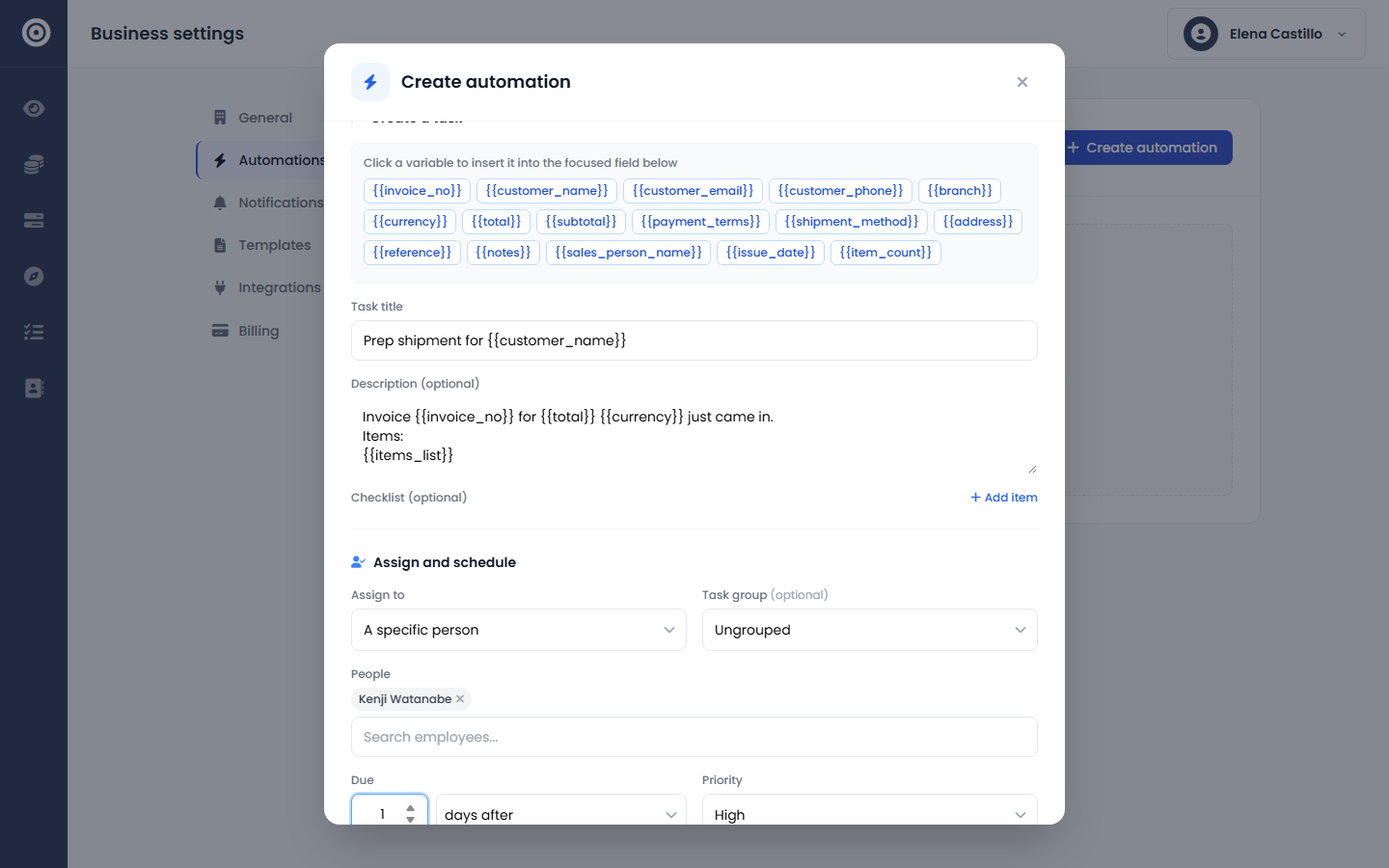
Write the task title and description using variables like {{customer_name}} and {{total}} — they get filled in with the actual invoice or quote every time the rule fires, so nobody retypes what's already on the record.
Assign it and set a due date
Send it to a specific person or an entire user group, with a due date set as an offset — minutes, hours, or days — and a priority that matches how urgent the work actually is.