
Automation
Manage and monitor your rules
See which rules are actually firing, turn one off without losing it, and know what happens when a rule breaks.
4 min read01
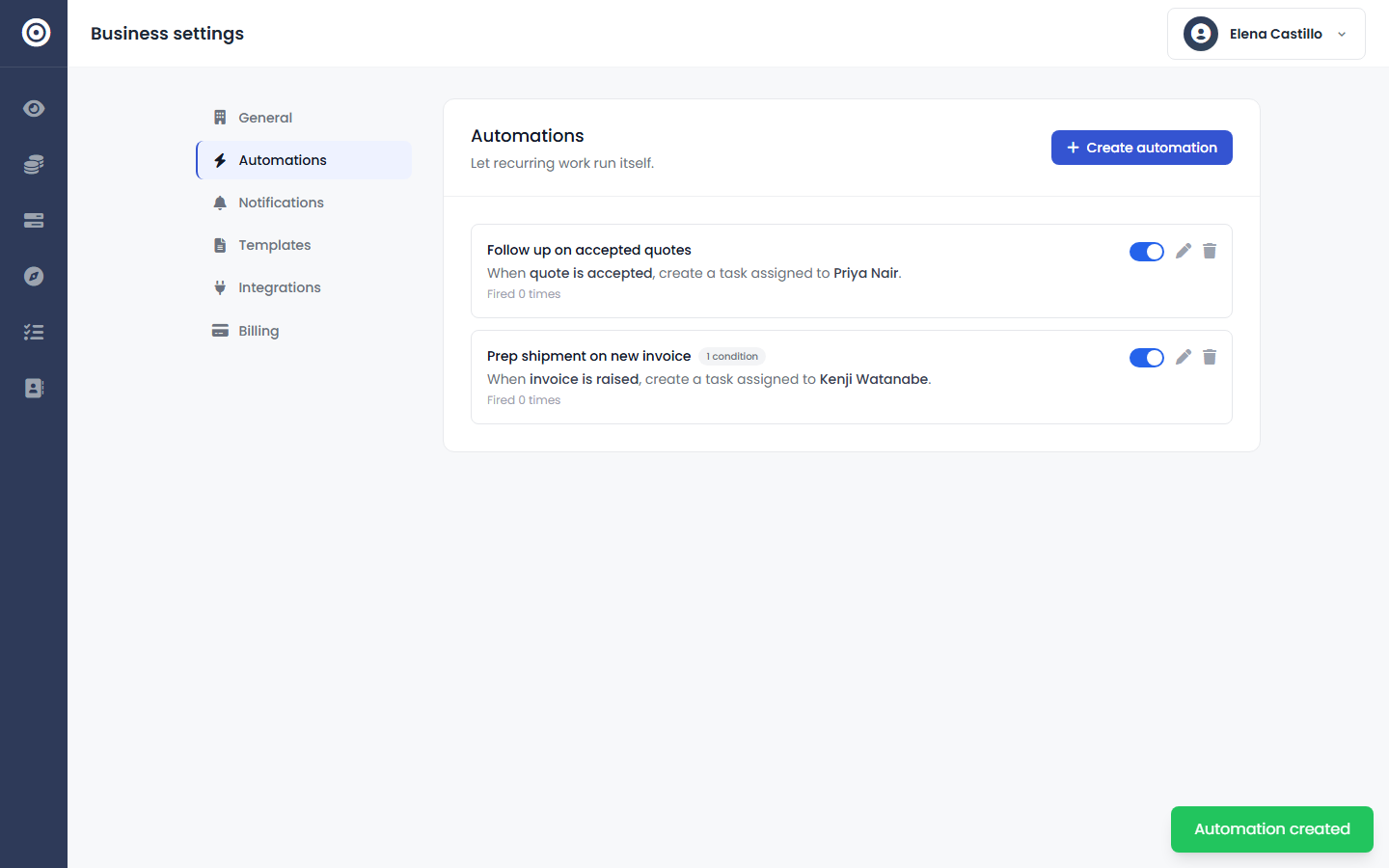
Read the rules list
Every rule shows its trigger, its condition count, who it assigns to, and how many times it's fired — so you can tell at a glance whether a rule is doing anything, not just whether it's switched on.
app.obsidyun.com
02
Turn a rule off without deleting it
Toggle a rule off when a process changes temporarily, then back on later — its trigger, conditions, and task template stay exactly as you left them.
app.obsidyun.com
03
Know what happens when something's wrong
A misconfigured rule is logged and skipped — it never blocks the invoice or quote that triggered it. If the rule's owner is no longer an active employee, the rule disables itself rather than quietly misattributing tasks.
app.obsidyun.com