Getting Started
Create your business
Set your business profile, currency, and default chart of accounts.
6 min read01
Start your workspace
Enter your business name, industry, and base currency. Obsidyun provisions a default chart of accounts so you're not starting from a blank ledger.
app.obsidyun.com
02
Add your branches
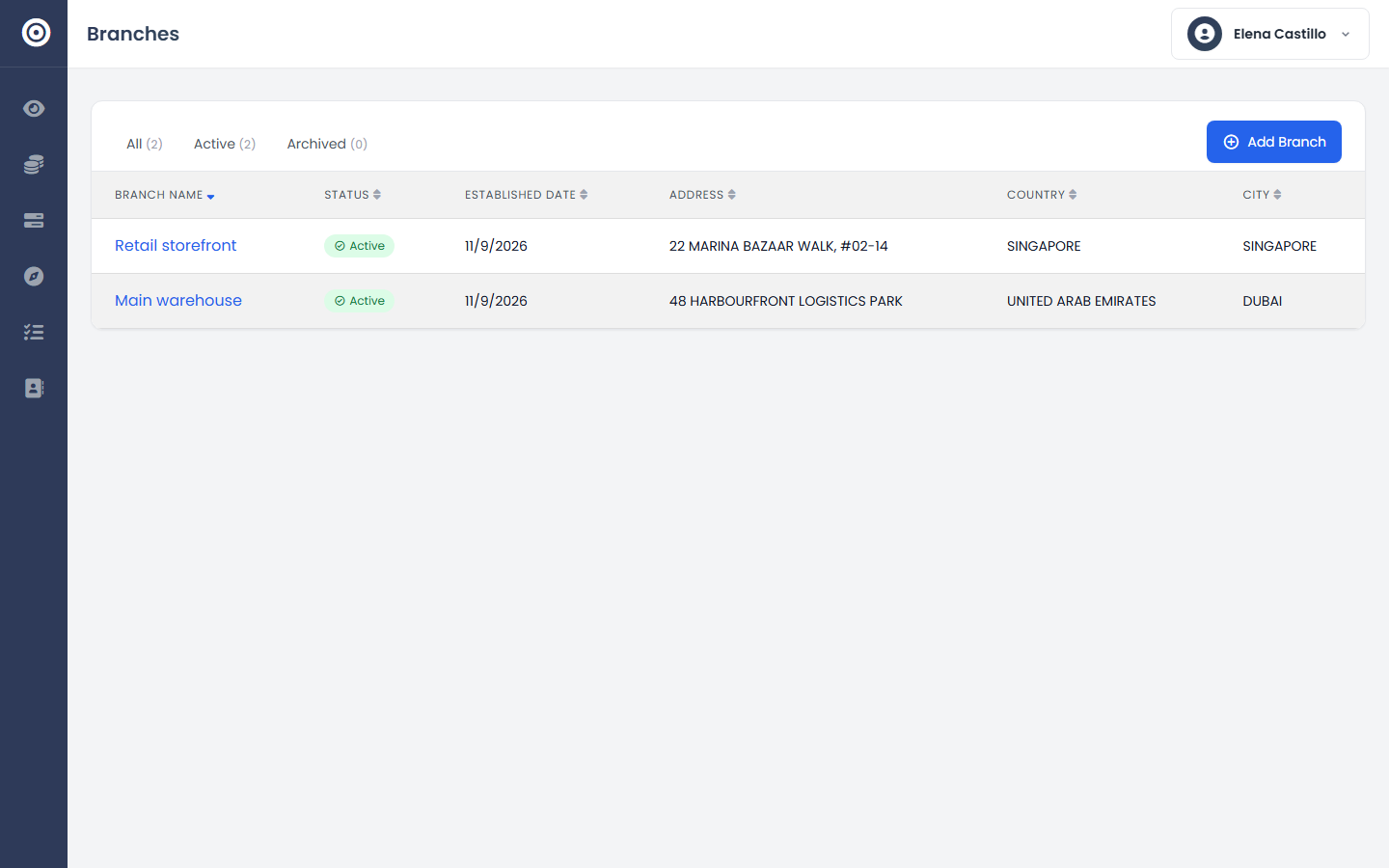
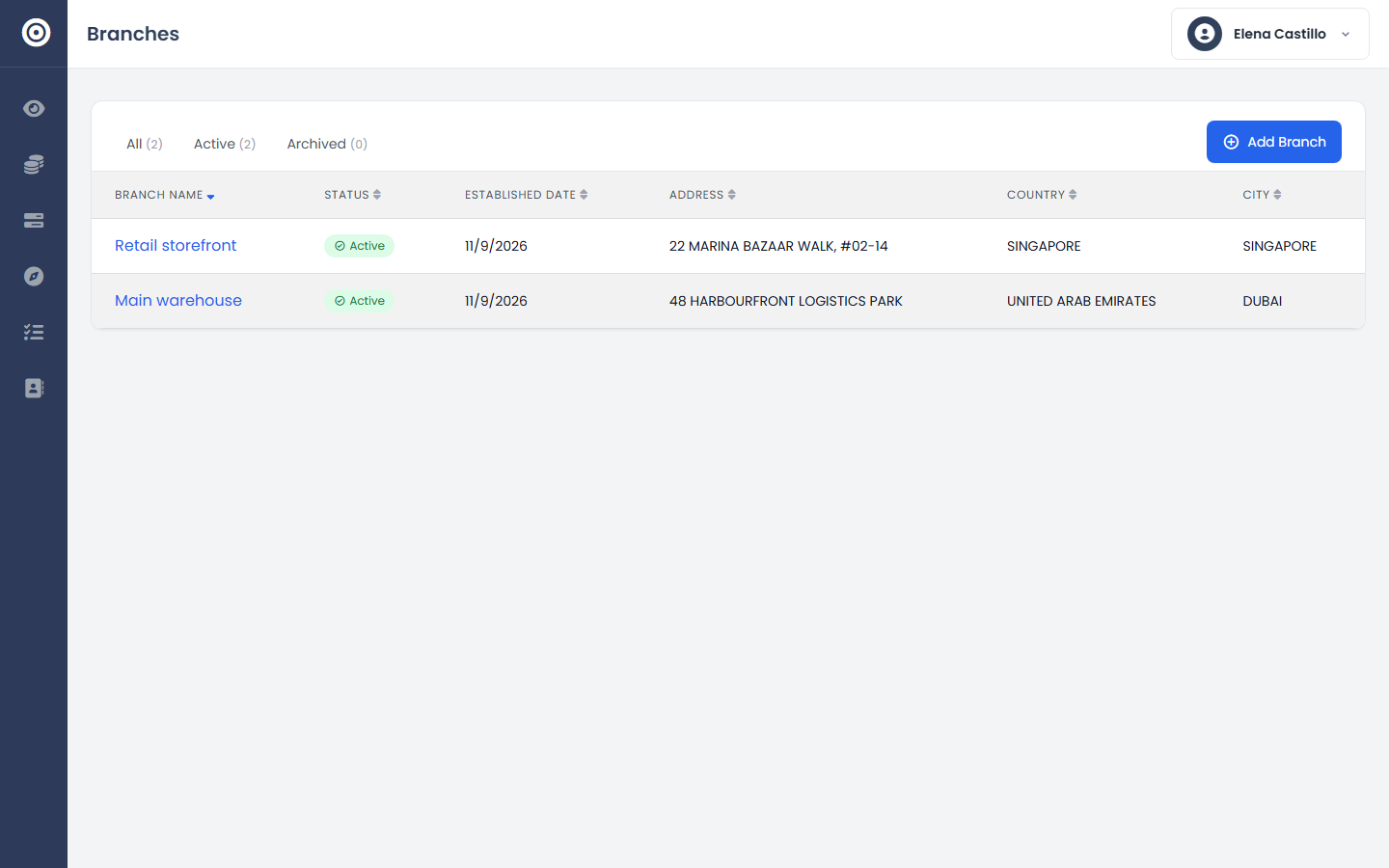
If you operate from more than one location, add each branch now. Inventory, sales, and reporting can all be scoped per branch or rolled up across the business.
app.obsidyun.com
03
Confirm your dashboard
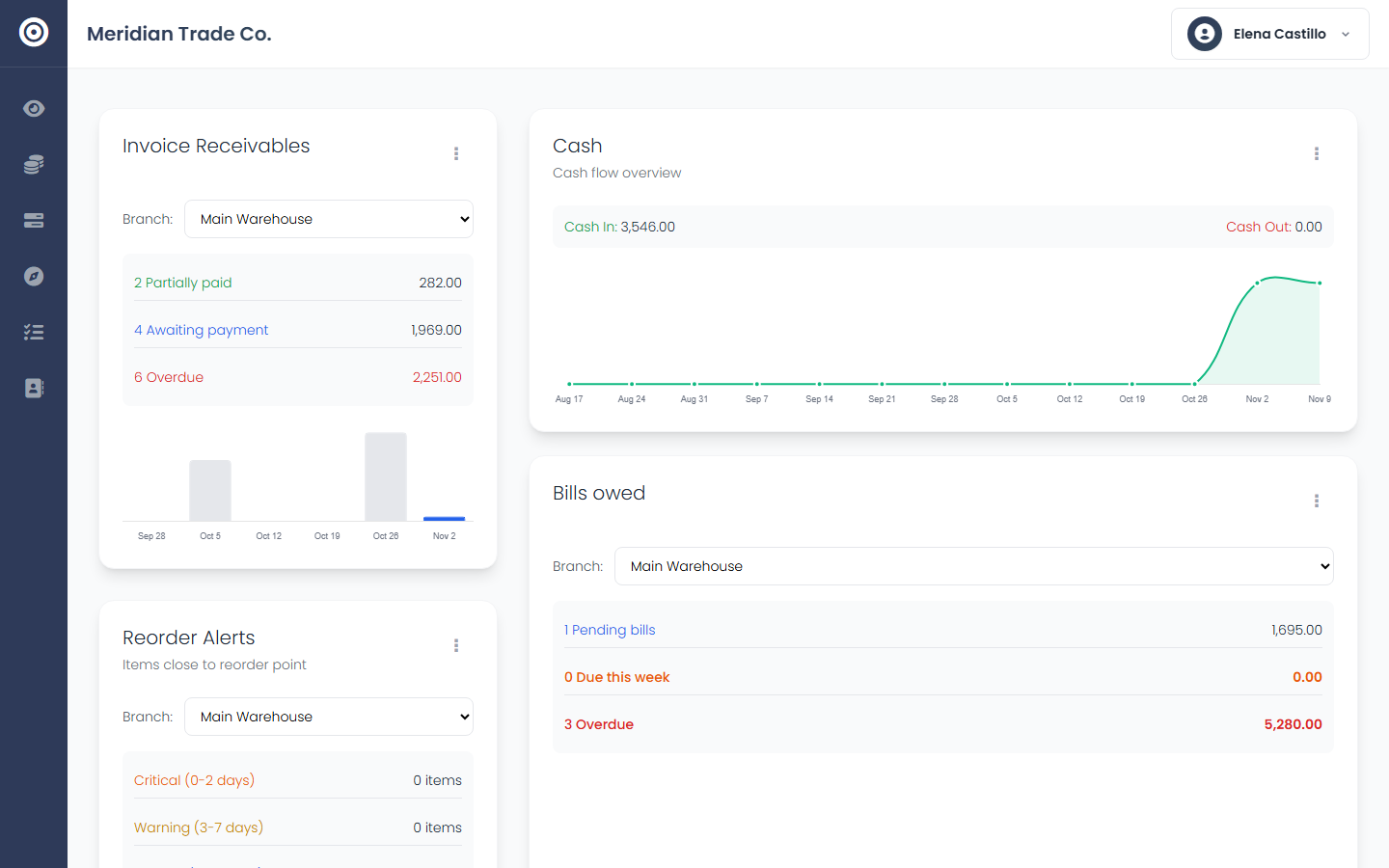
Your overview loads with real sections for receivables, bills owed, cash flow, and reorder alerts — empty until you start recording activity.
app.obsidyun.com