Getting Started
Add your team and set roles
Invite employees and scope what each person can see and do.
5 min read01
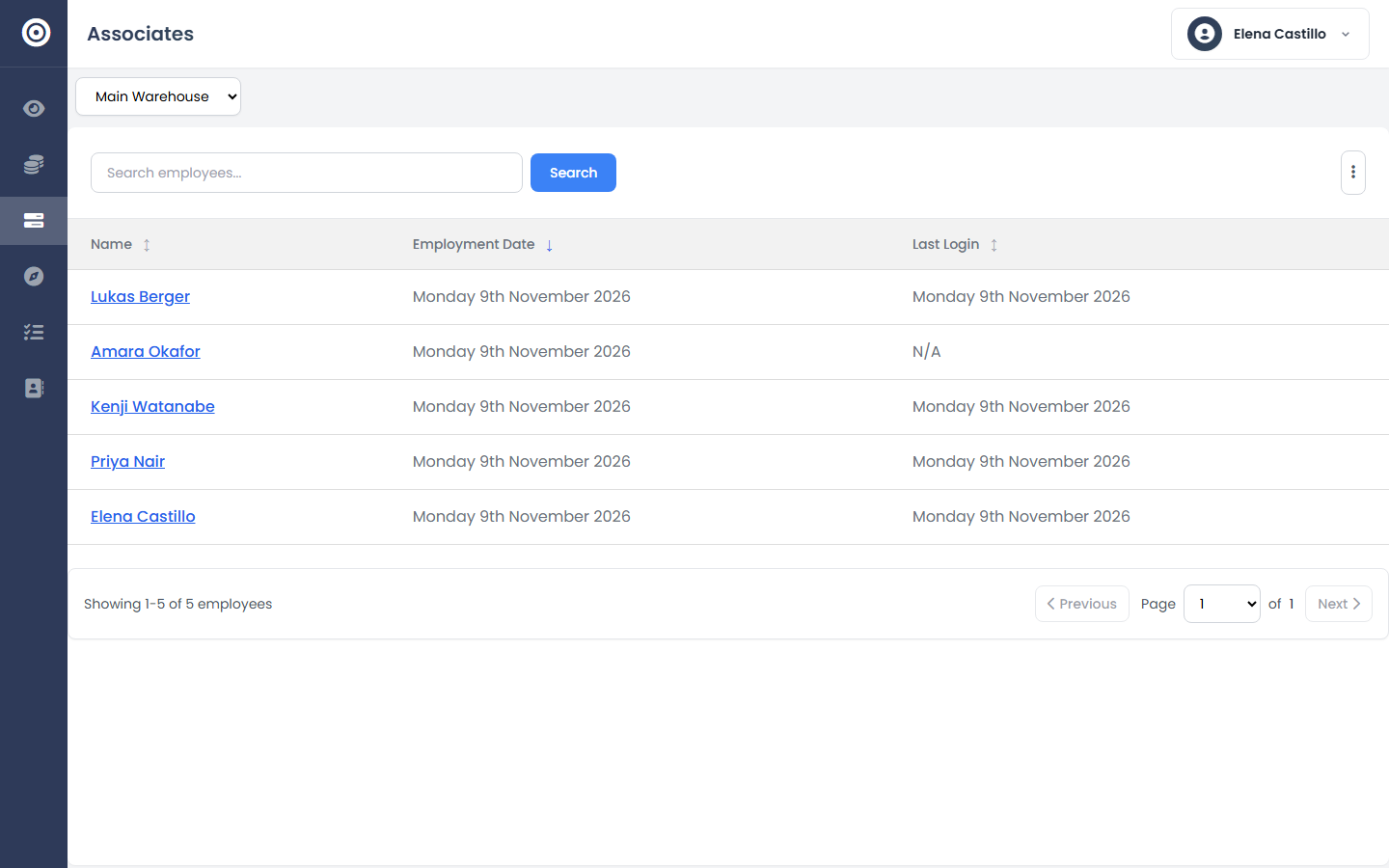
Invite employees
Add each team member with their name, role, and branch assignment. They get their own login — no shared passwords.
app.obsidyun.com
02
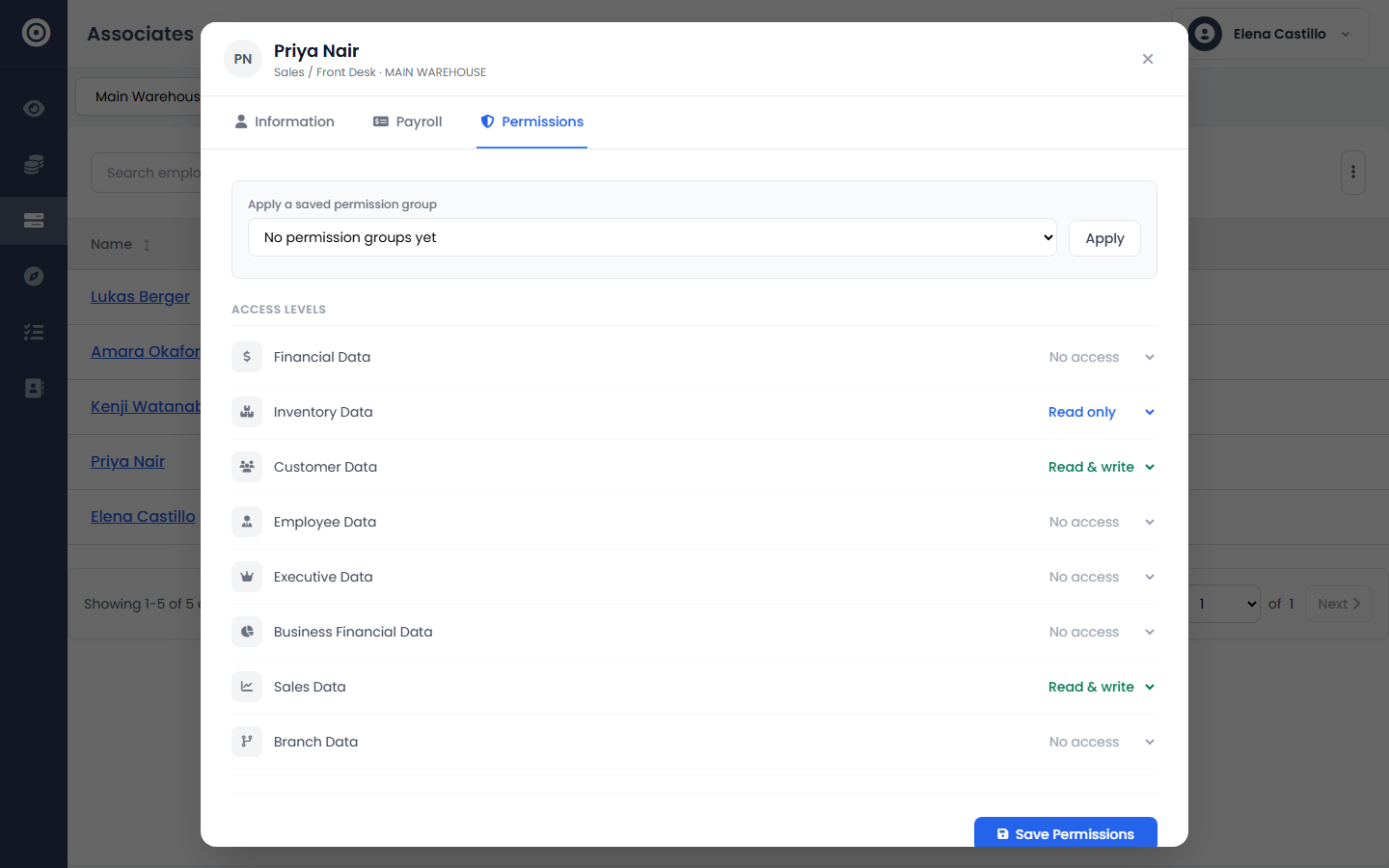
Set permissions per module
Grant access module by module — a warehouse lead doesn't need financial data, a bookkeeper doesn't need inventory write access. Permissions are granular, not all-or-nothing.
app.obsidyun.com