Getting Started
Tour your dashboard
Understand the four things your overview page always shows you, and how to drill into any of them.
6 min read01
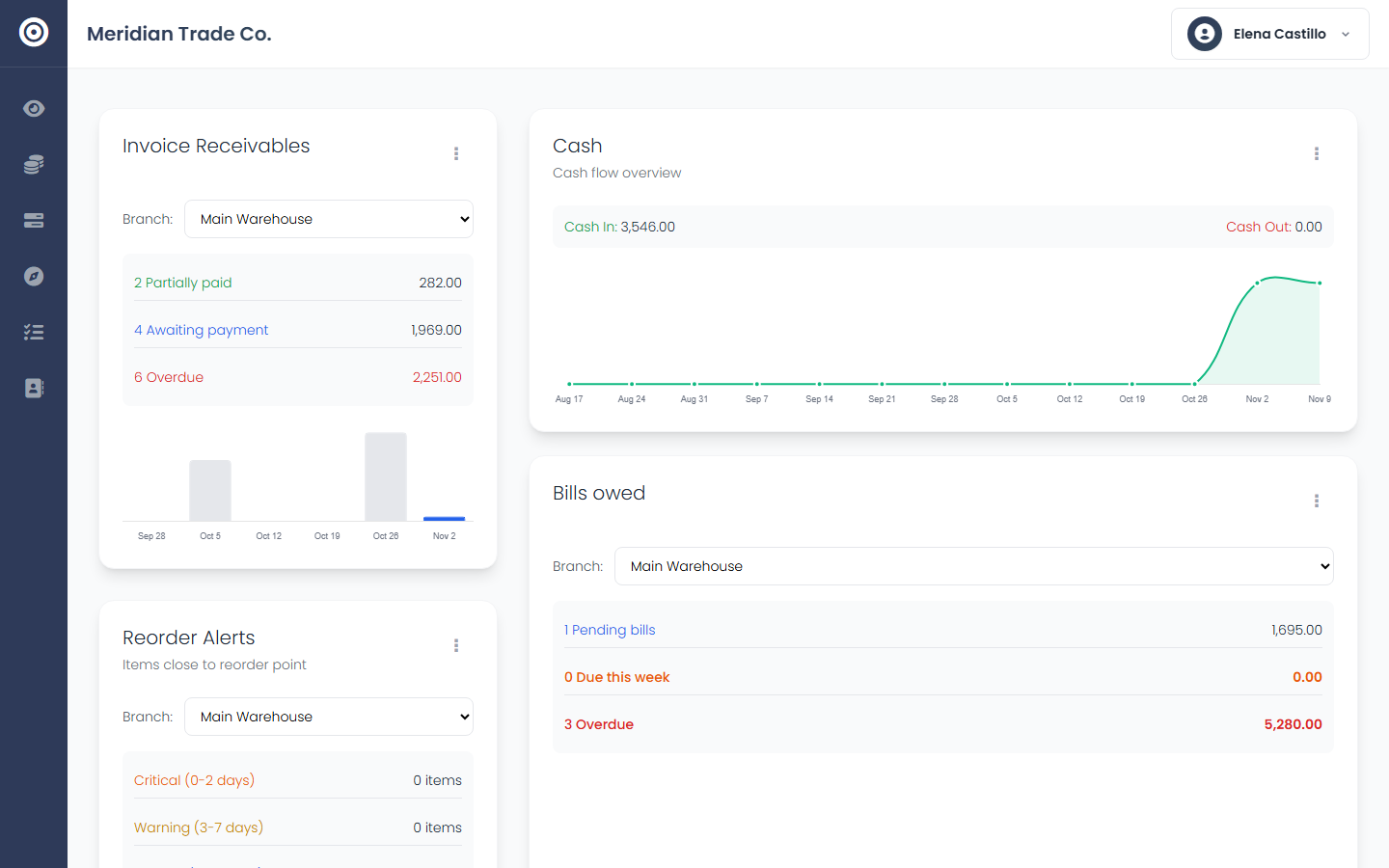
Read the overview at a glance
Invoice receivables, bills owed, cash flow, and reorder alerts sit on one screen — the four numbers that tell you whether your business is healthy today, not last month.
app.obsidyun.com
02
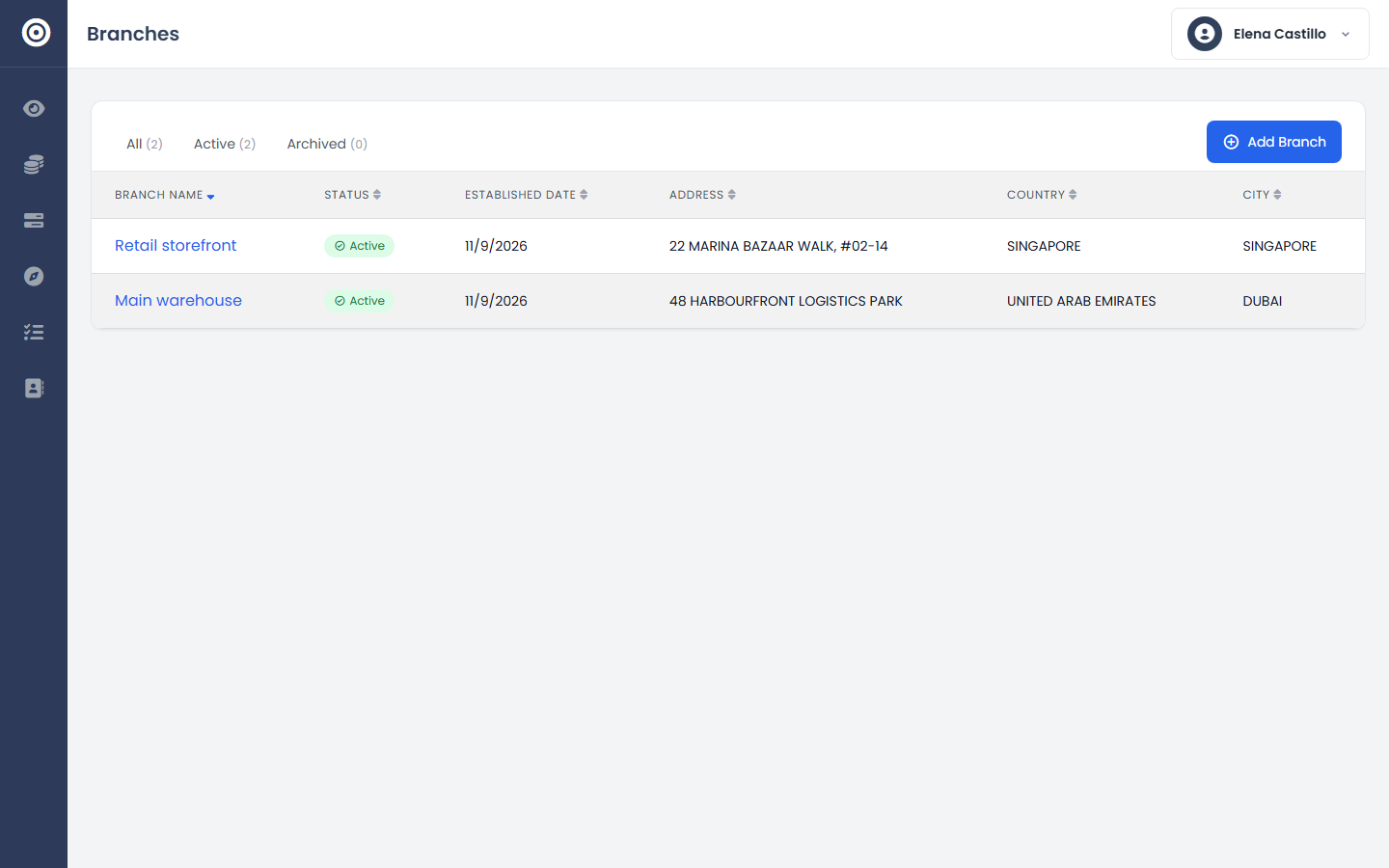
Scope it to a branch
If you run more than one location, each card has a branch selector. Switch between a single branch's numbers and the business-wide total without leaving the page.
app.obsidyun.com
03
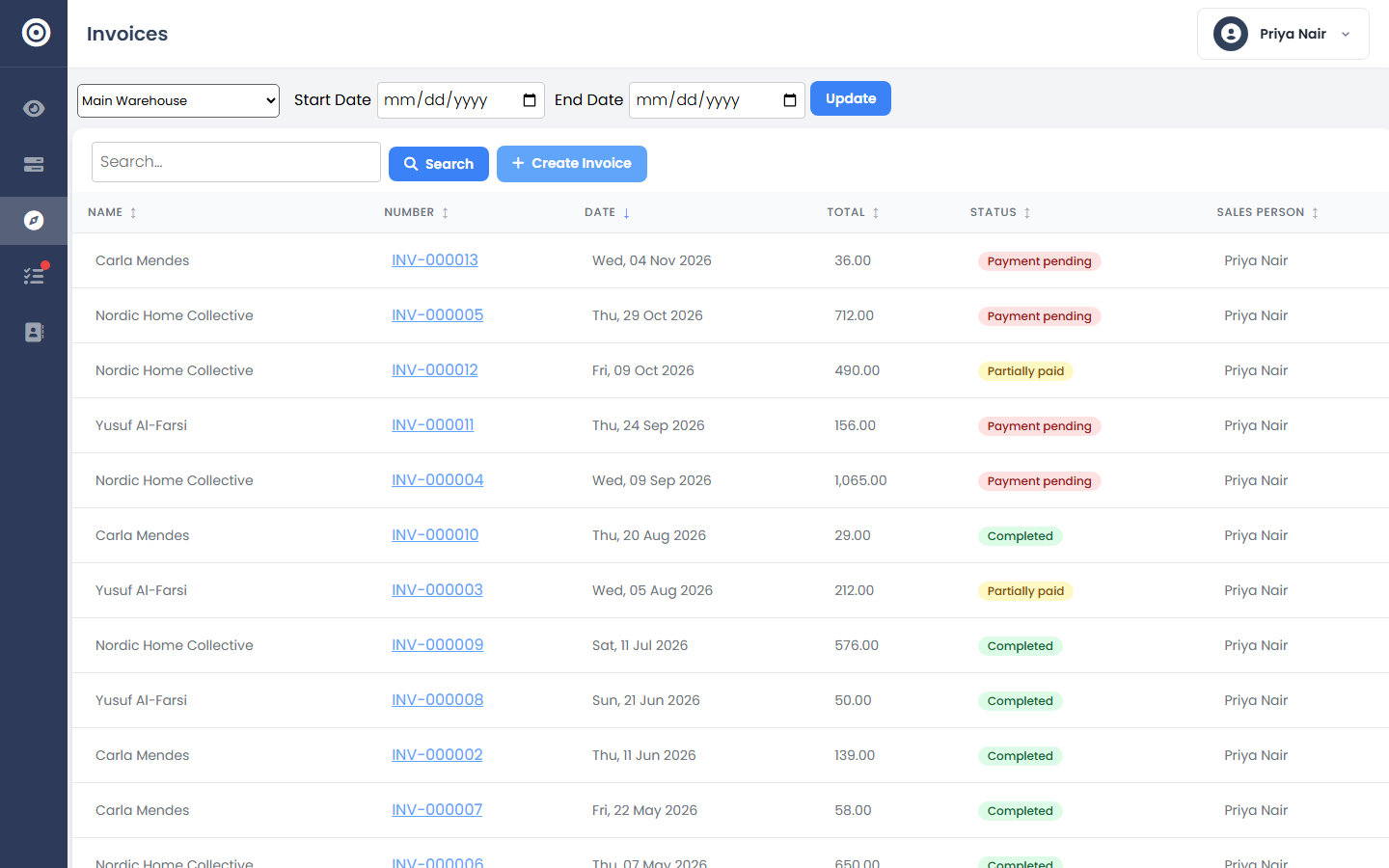
Drill into a number
Receivables, bills owed, and reorder alerts are all clickable — a total on the dashboard is a shortcut into the actual invoice list or inventory list behind it, not a dead end.
app.obsidyun.com