Inventory & Purchasing
Add inventory items and set reorder points
Get real-time stock visibility and automatic low-stock warnings.
6 min read01
Create the item
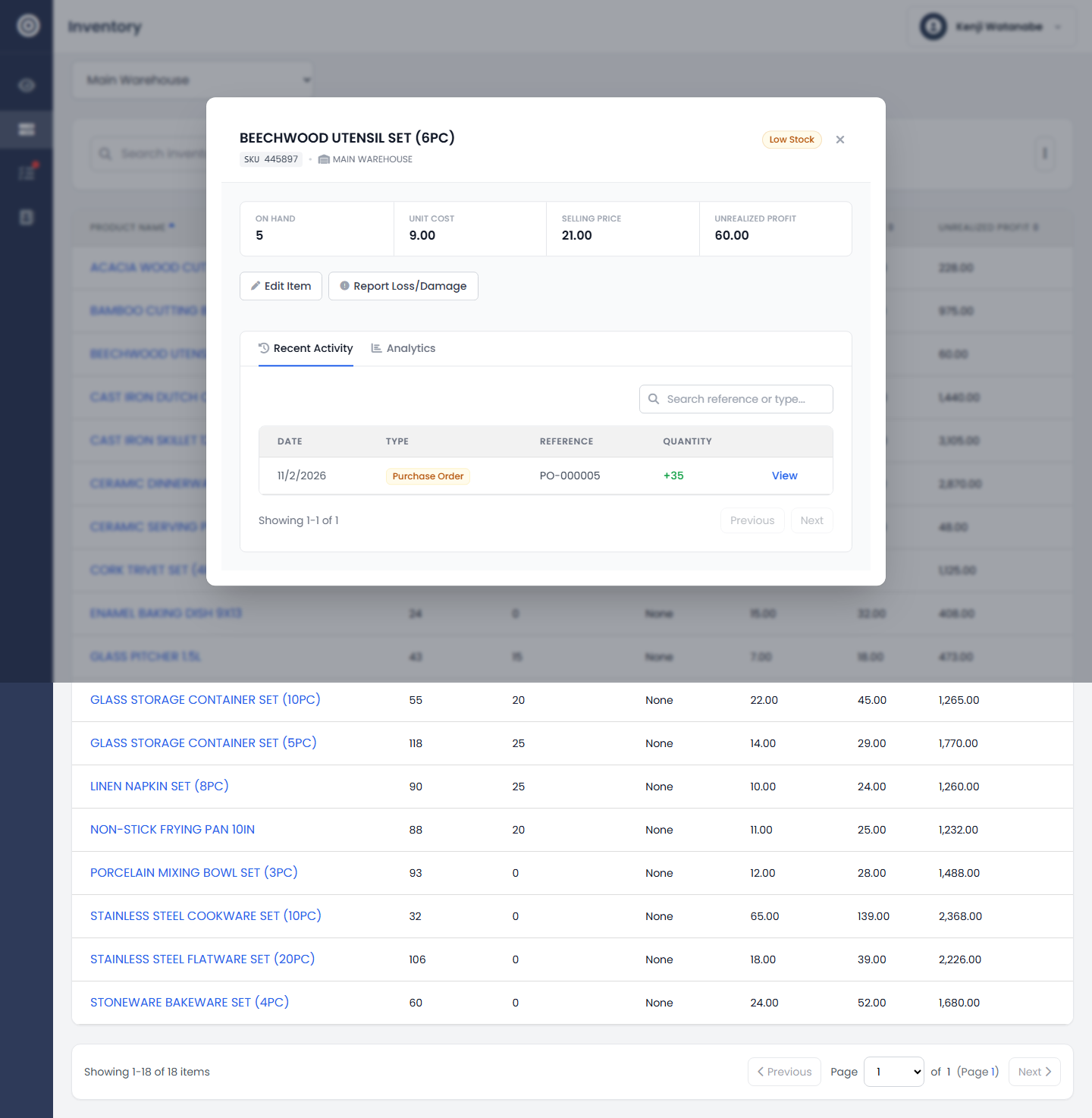
Set a SKU, cost, price, and starting stock level per branch.
app.obsidyun.com
02
Set a reorder point
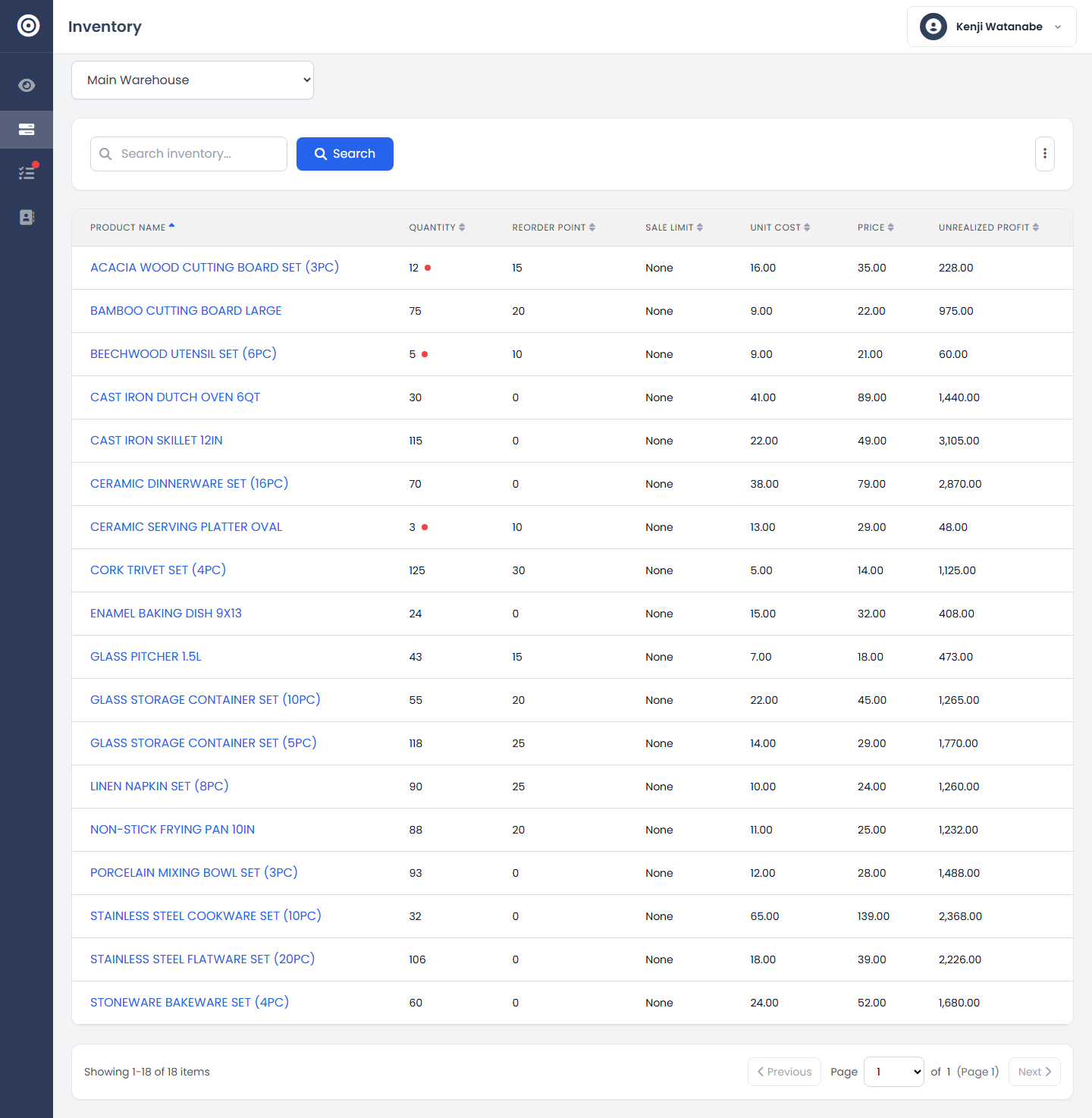
Define when an item counts as low stock. Obsidyun flags it before you're out, not after a customer asks why it's unavailable.
app.obsidyun.com