Inventory & Purchasing
Create a purchase order
Order from a supplier and track it until it lands on your shelves.
5 min read01
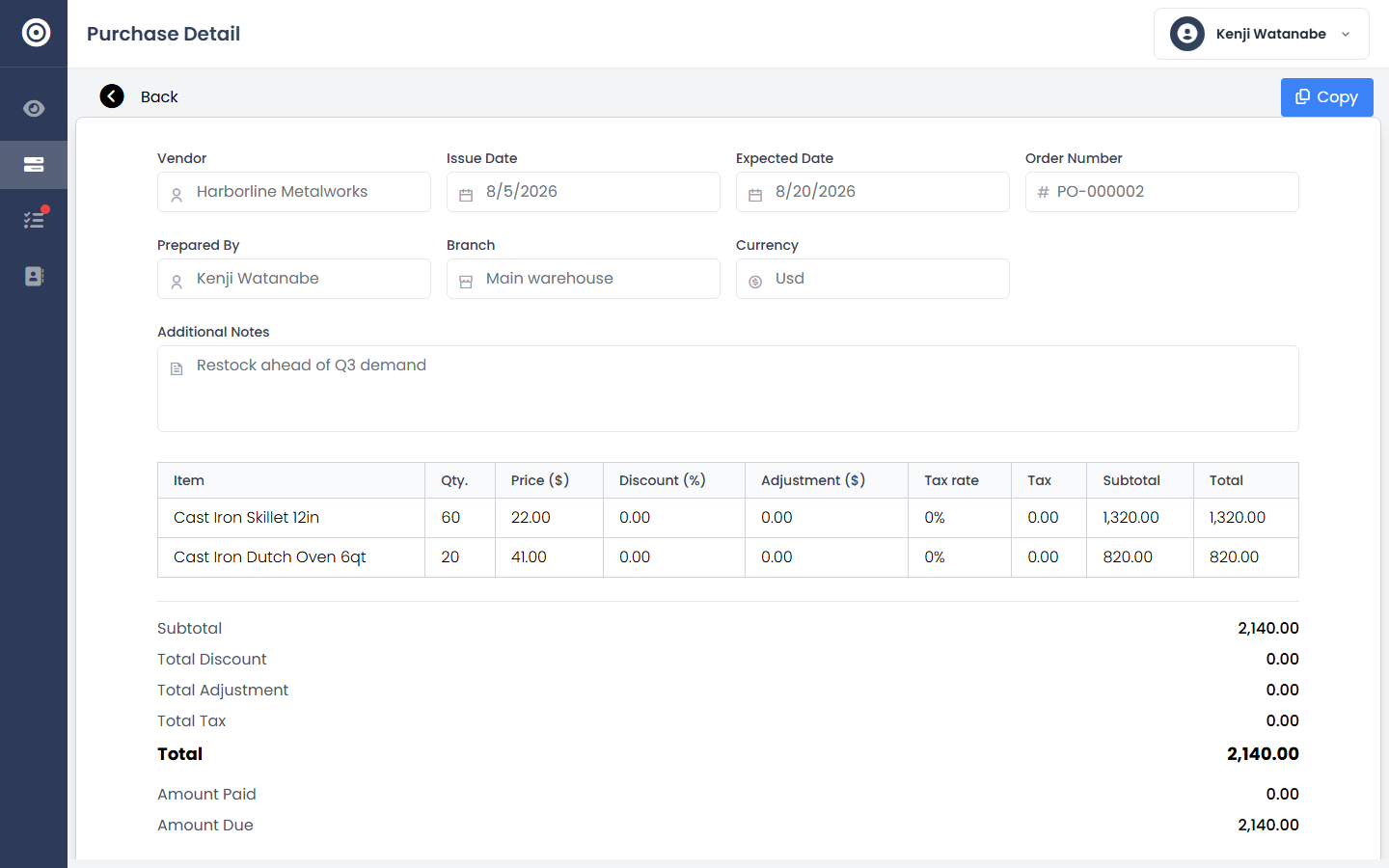
Build the order
Choose a vendor, add items and quantities, and send it for approval if your workflow requires one.
app.obsidyun.com
02
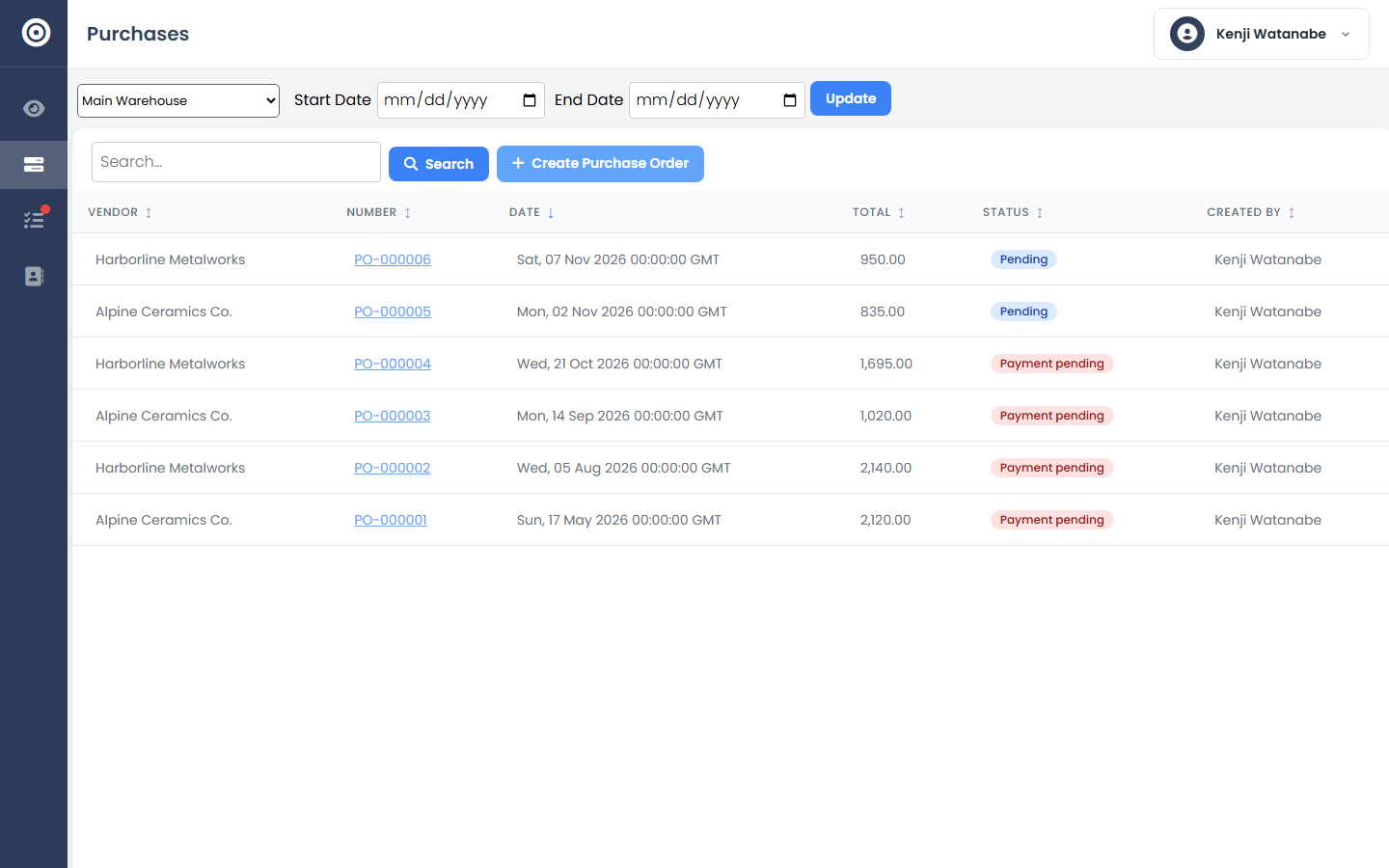
Track its status
Every purchase order shows where it stands — draft, awaiting receipt, or completed — across your whole order list.
app.obsidyun.com